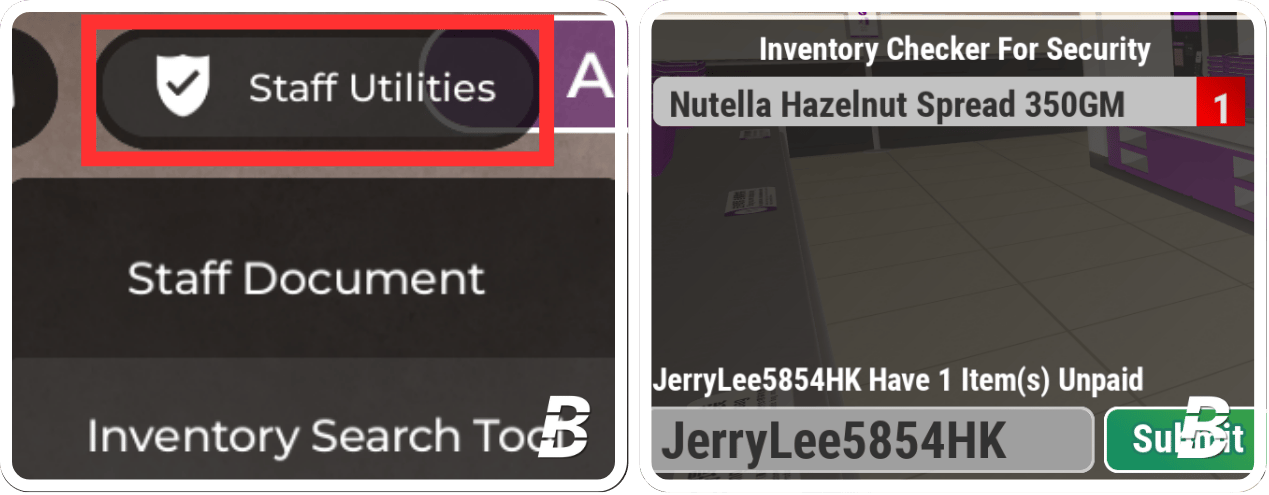
Instructions for using the cuff system
1
Equip the Handcuffs
The handcuff is already in your inventory. Press your inventory to equip it.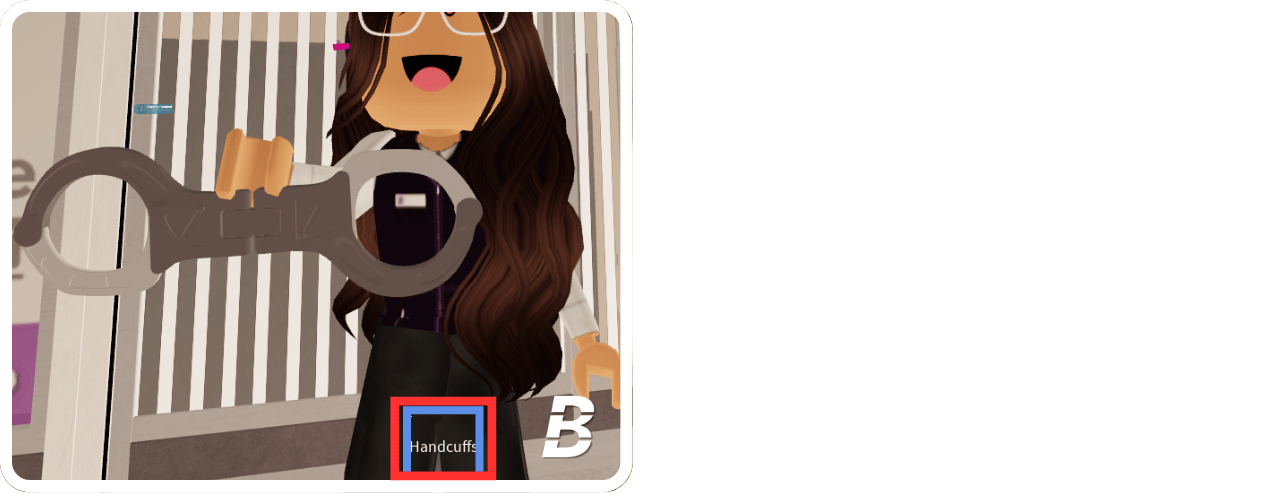
2
Definition of Thief
When customers leave the store and the EAS Gate sounds and the customer’s nametag shows “STEALING,” they are considered to be a thief.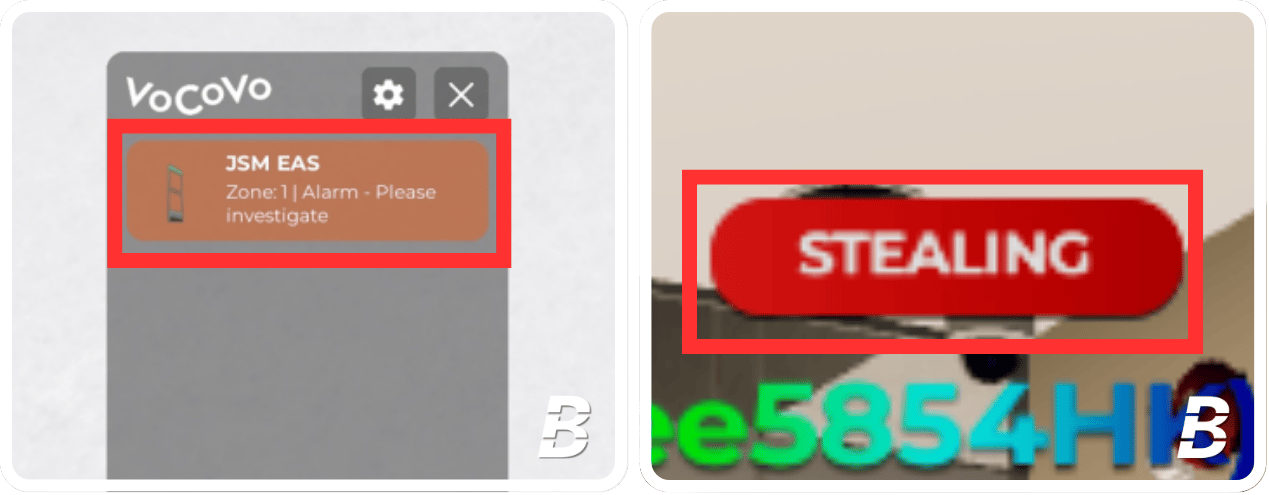
3
Cuff the Thief
When you identify a thief, equip your handcuff and cuff them by pressing “C”. Bring them back to the cashier self-service checkout area and uncuff them by pressing “C” again.You must inform the stealers that they need to pay before leaving the store.If necessary, specify the number of products they stole using the Inventory Search Tool. If they are using a basket or trolley, instruct them to unload the items for payment.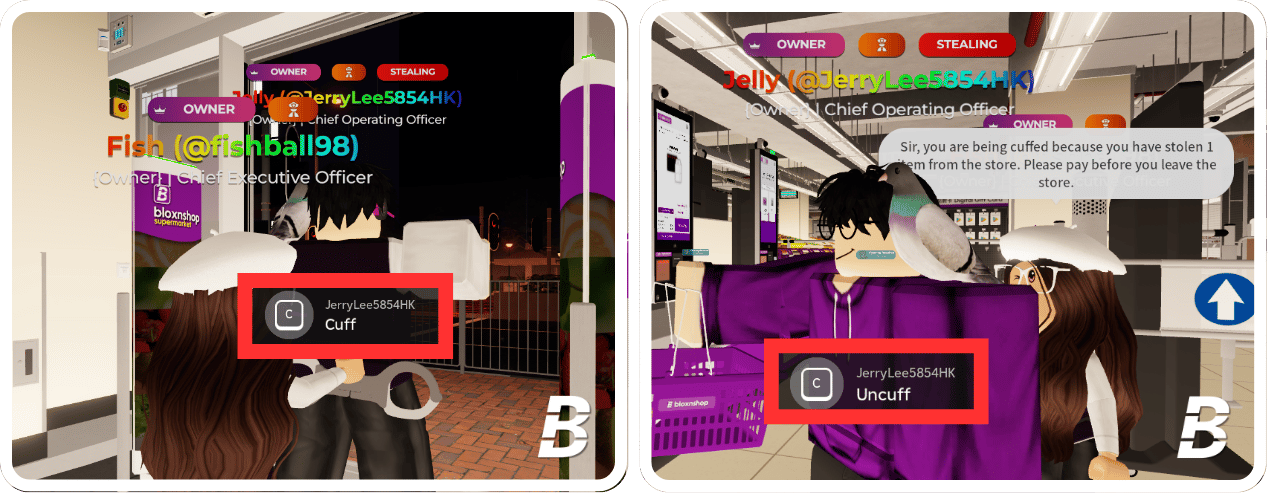
4
If the behaviour continues...
If the thief continues to steal items or trolling the EAS Gate, issue a informal warning to stop. If the behavior continues, please issue a formal warning.For more information on moderation, please refer to 2 | Moderation Guide.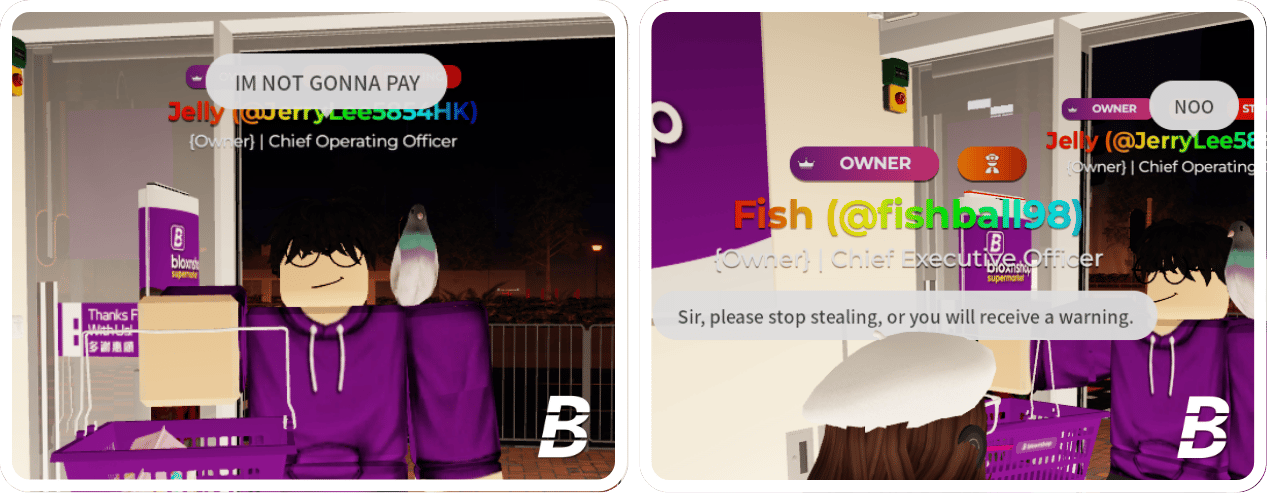
Instructions for using the Inventory Search Tool
To check the number or names of items that the thief has stolen, you may use the Inventory Search Tool. The “Inventory Search Tool” is already in your inventory. Press your inventory to equip it. Enter the thief’s username or display name to view all relevant details.