1
Take the Restocking Box/Trolley
Go to the Warehouse and find the box located next to the sink, shelf, or trolley. Press the interact button to pick it up.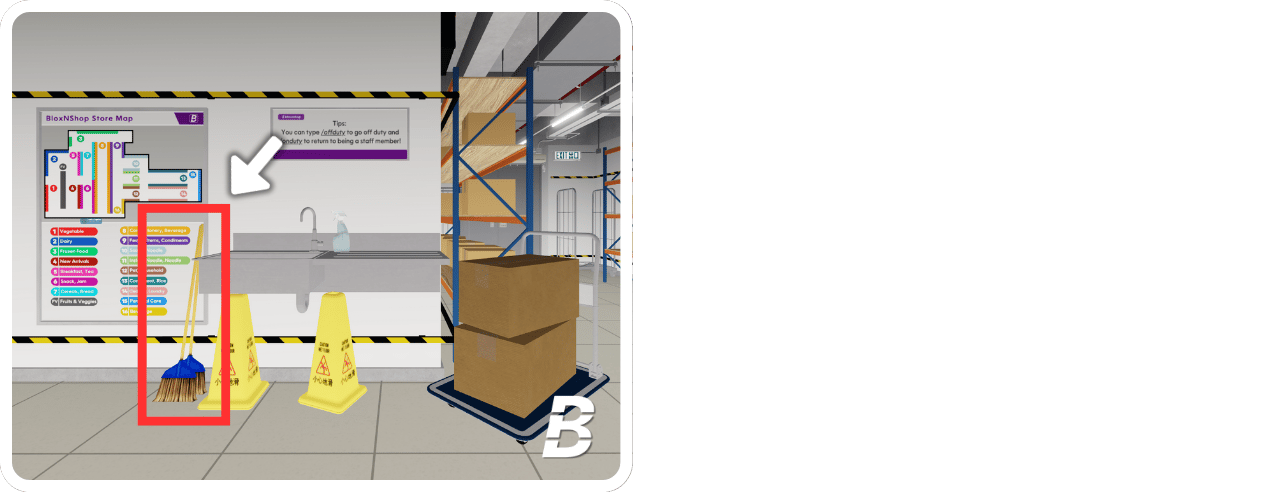
2
Find the shelves that need restocking
When a shelf is out of stock, it will display the message “Restock Required.” Take the restock box or trolley, and press “E” to restock the shelf. You will see a prompt that says “Equip Box to…” indicating that you need to press the button to proceed with restocking.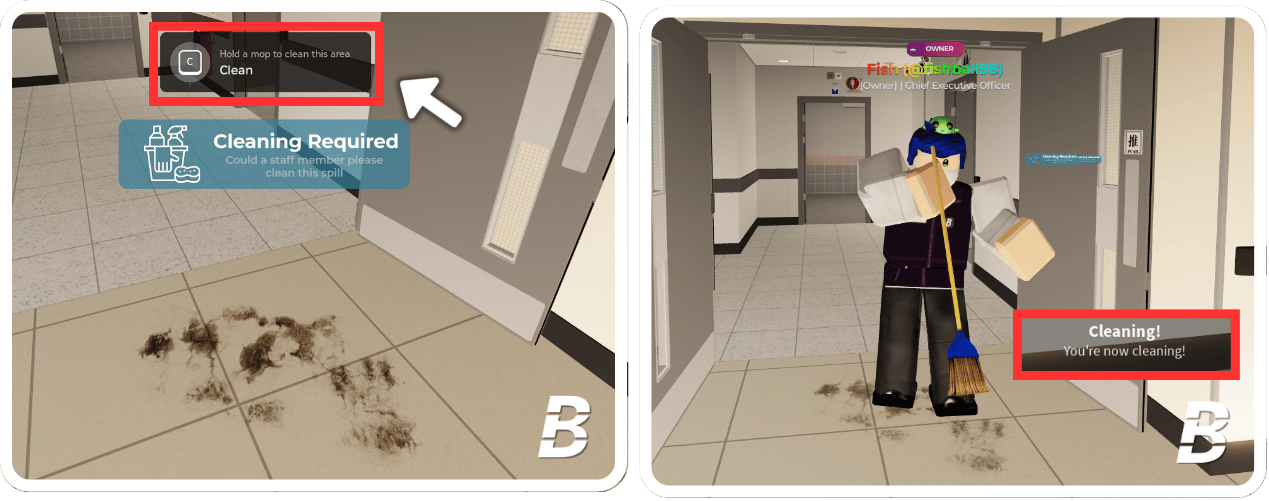
3
Finish
Once you have restocked the items, the shelf will be full, and you will earn 2 points for completing the task.